Product tour
A day on the sales desk, in one minute.
Six steps through RevLogic on a sample store: from the morning briefing to the order. Click the pulsing ring, or use Next.
-
Step 1 of 6
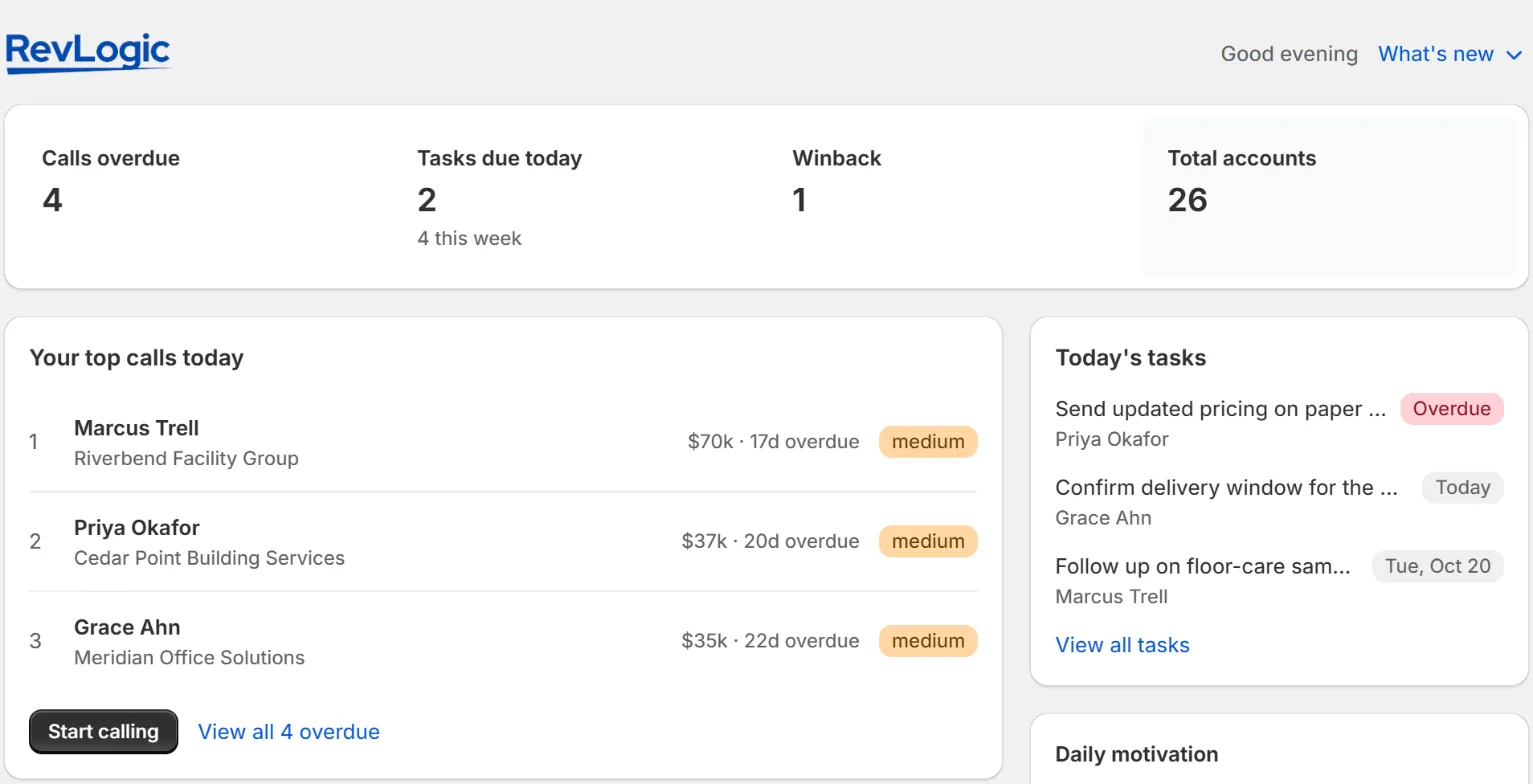
Your day, ready
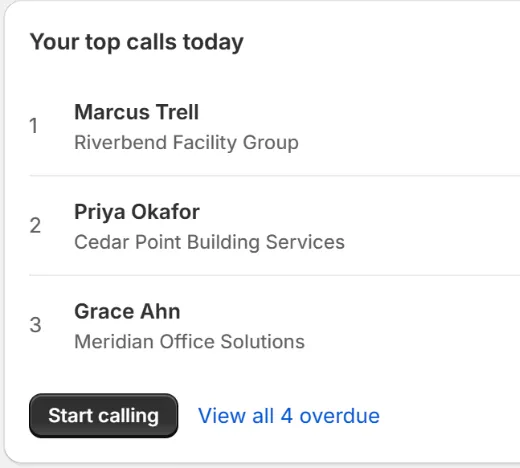
Each person on your sales team opens RevLogic to their own briefing: calls overdue, the top calls for today, and the tasks due.
-
Step 2 of 6
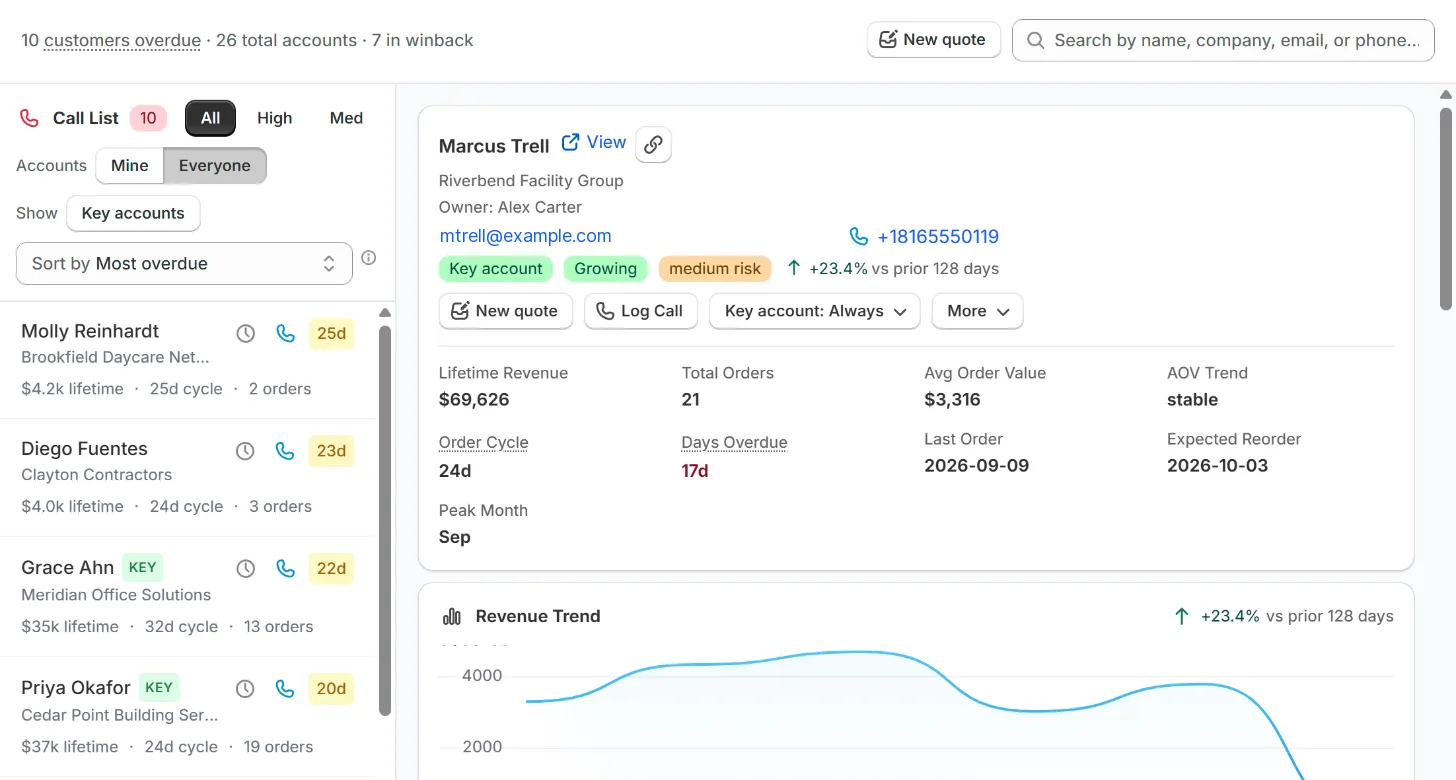
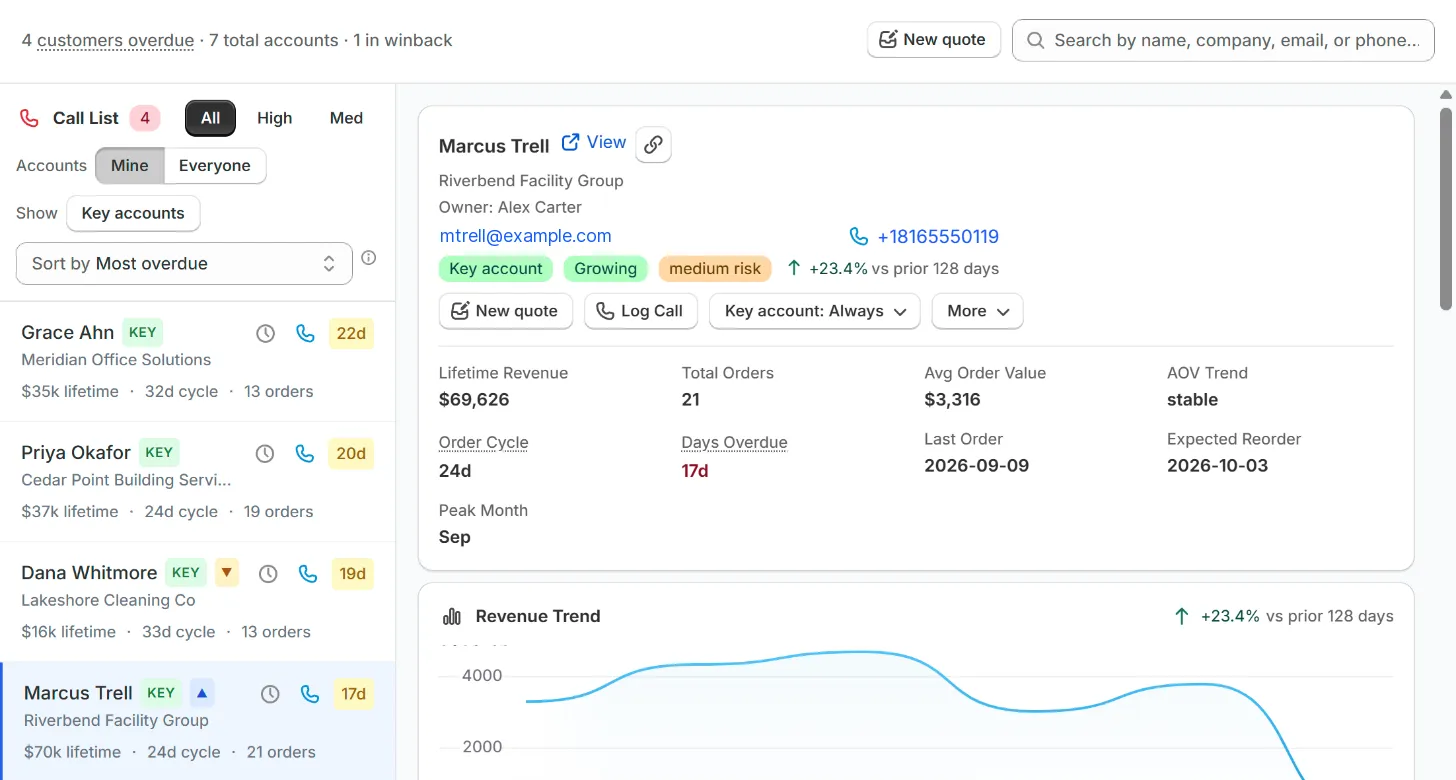
Your call list
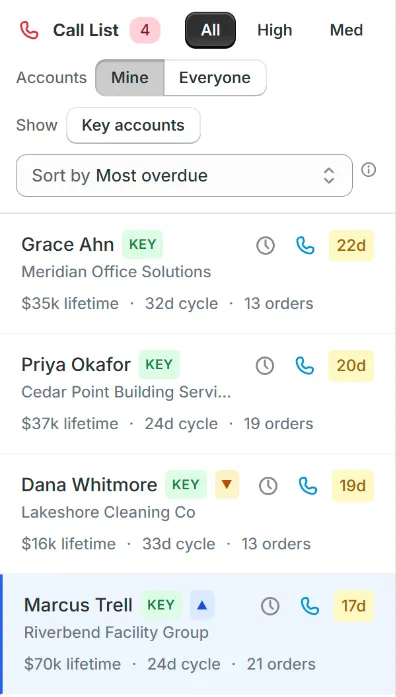
Every account, ranked by how far it has drifted past its own reorder rhythm. Switch to Mine for just the accounts assigned to you.
-
Step 3 of 6
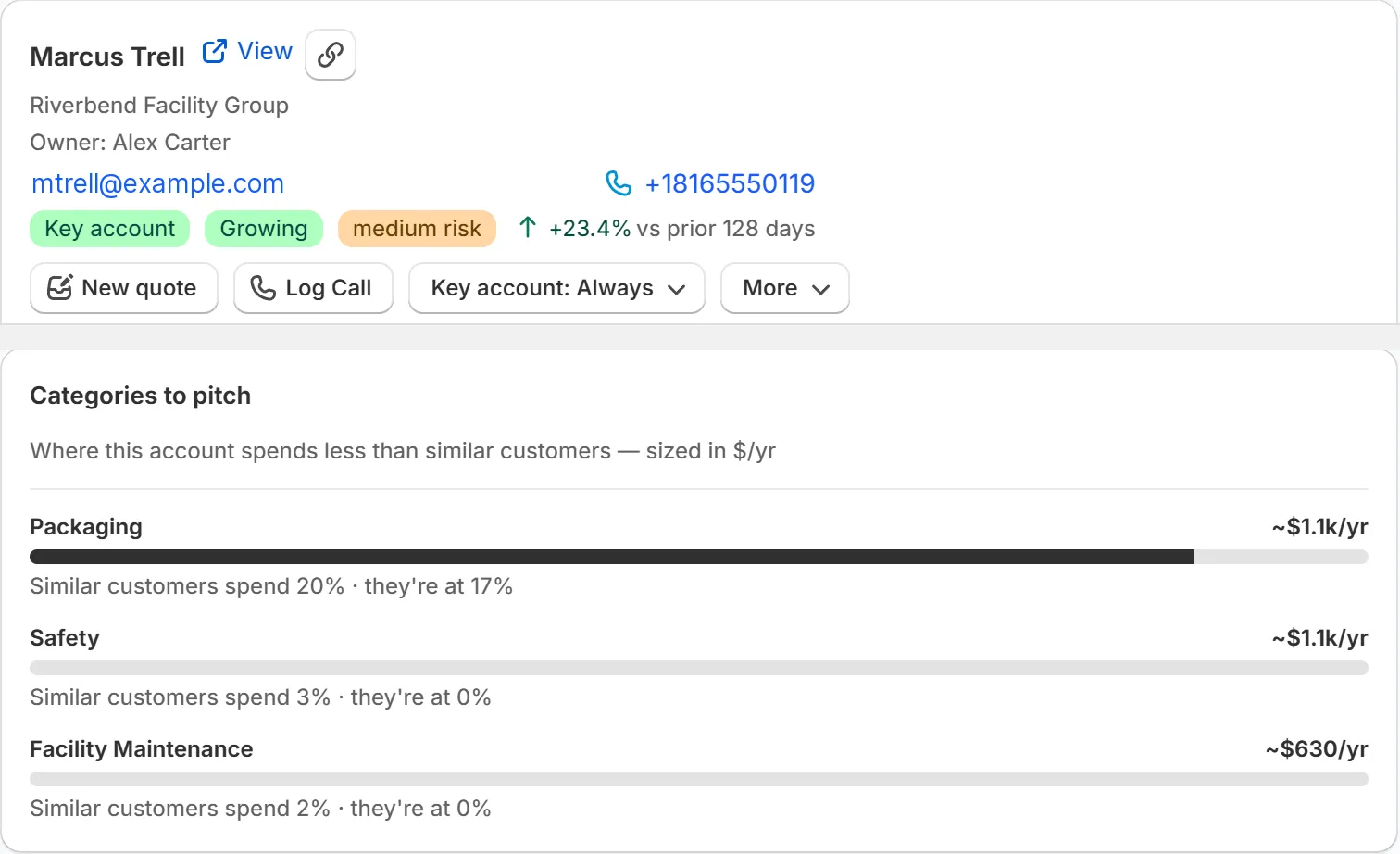
Open the account
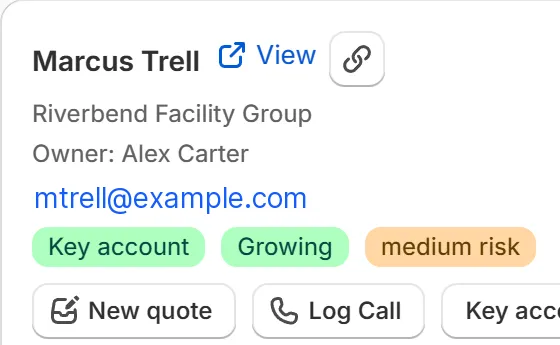
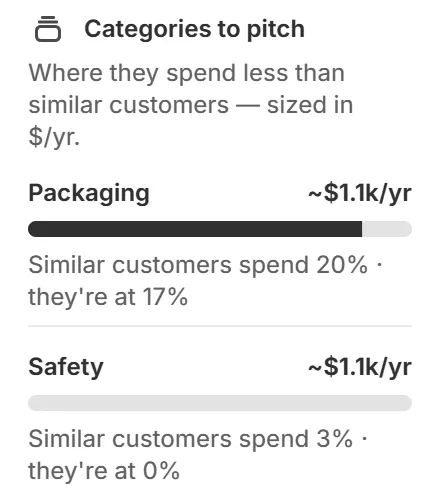
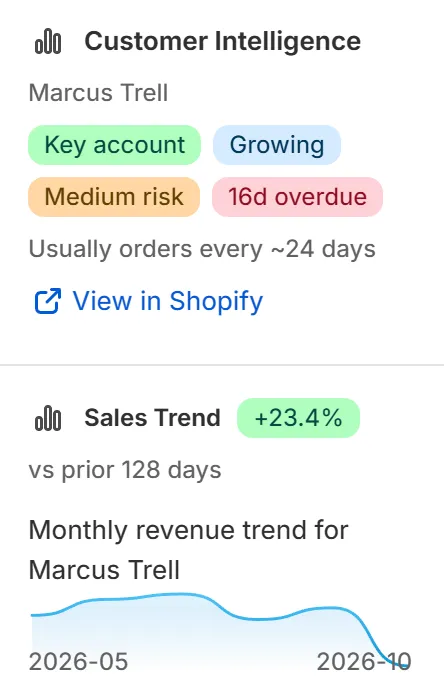
Owner, contact details, status and spend trend in one place, plus the categories this account buys less of than similar customers, sized in $/yr.
-
Step 4 of 6
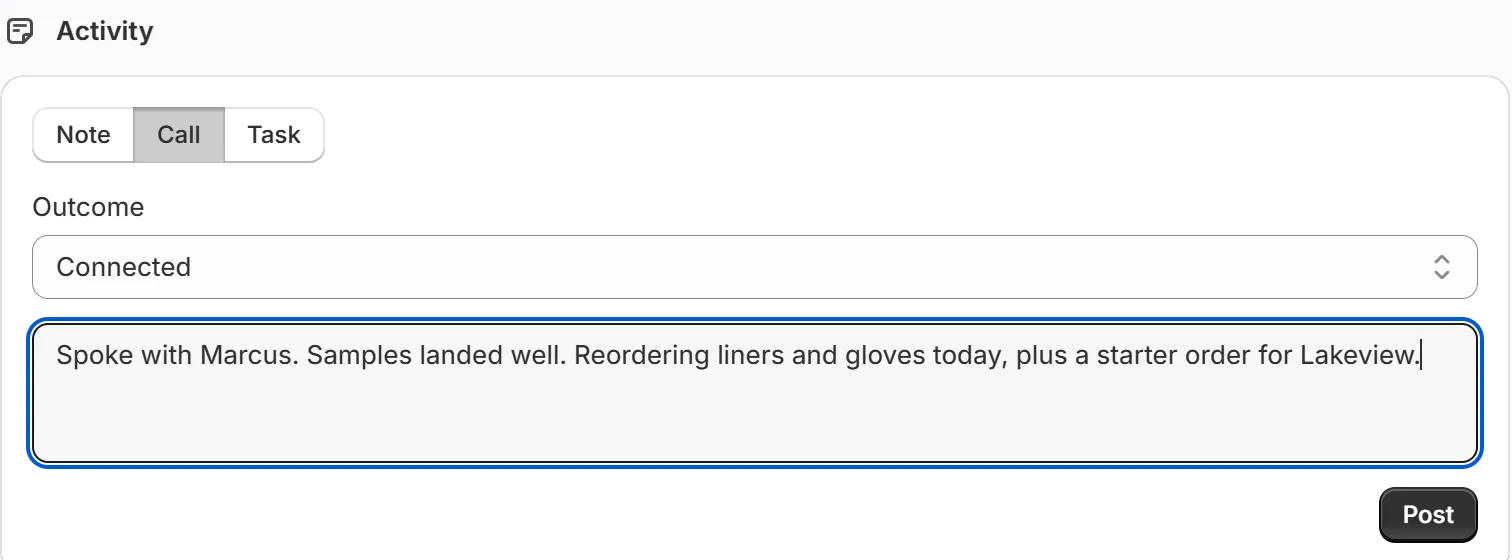
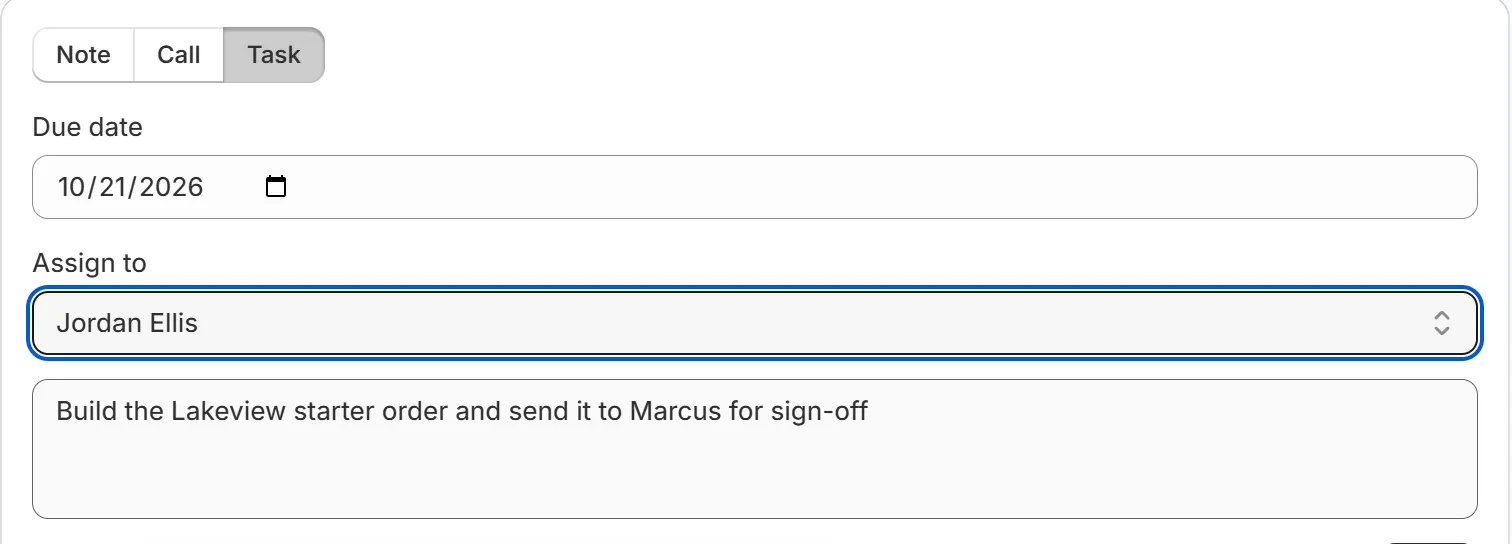
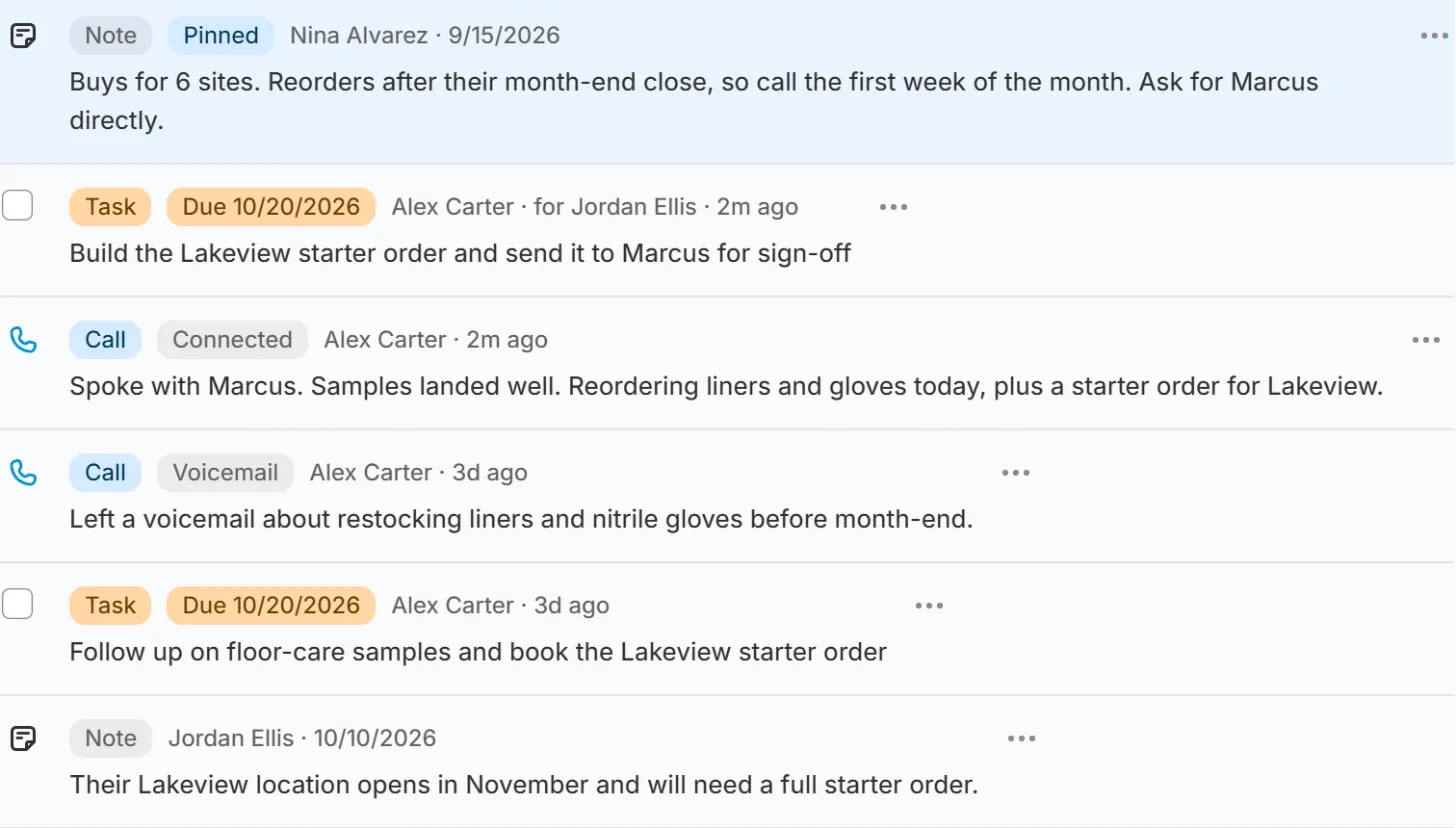
Log the call, set the follow-up
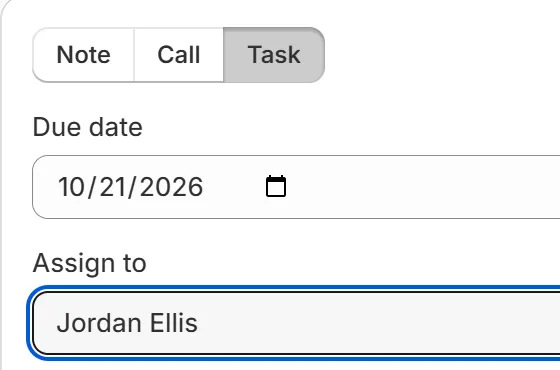
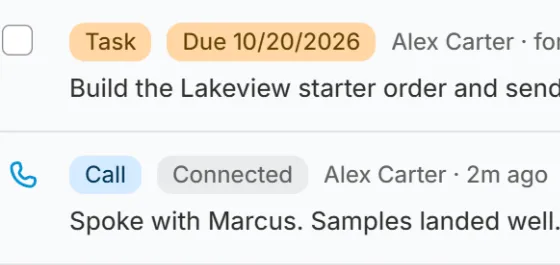
Log the call, then raise a follow-up for a teammate. Everything lands on one timeline per customer.
-
Step 5 of 6
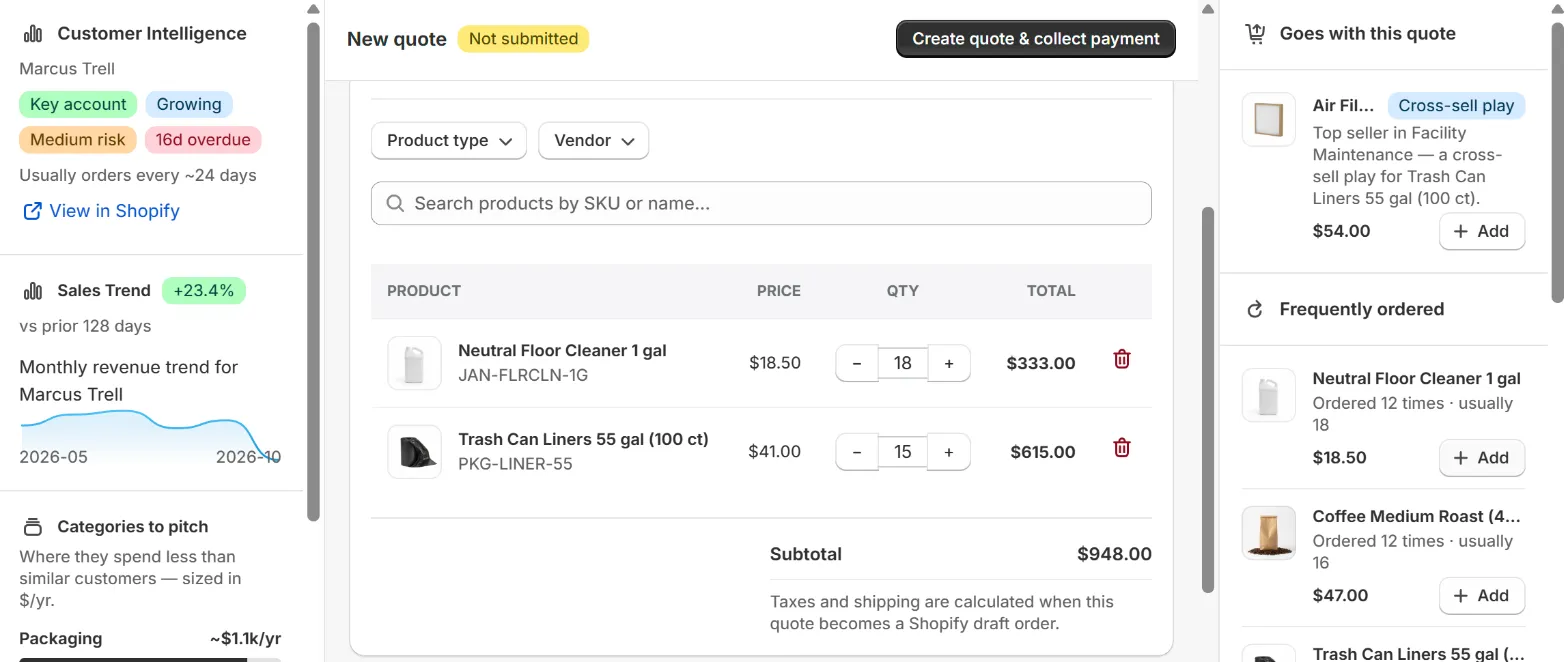
Take the order
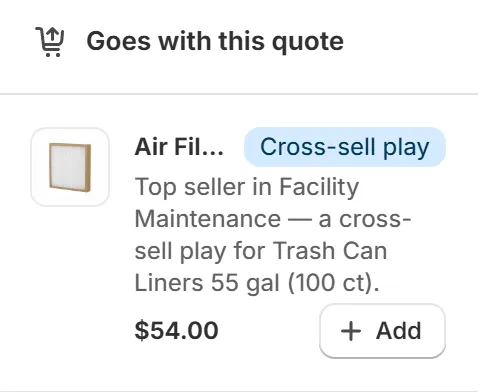
Nothing reloads as you change a quantity or a price, and you type the price you agreed. AI cross-sell and the customer’s history sit beside the cart. Send it and it lands in Shopify as a standard draft order.
-
Step 6 of 6
The CRM that lives inside Shopify.
No connector. No second login.
Start your 14-day free trial